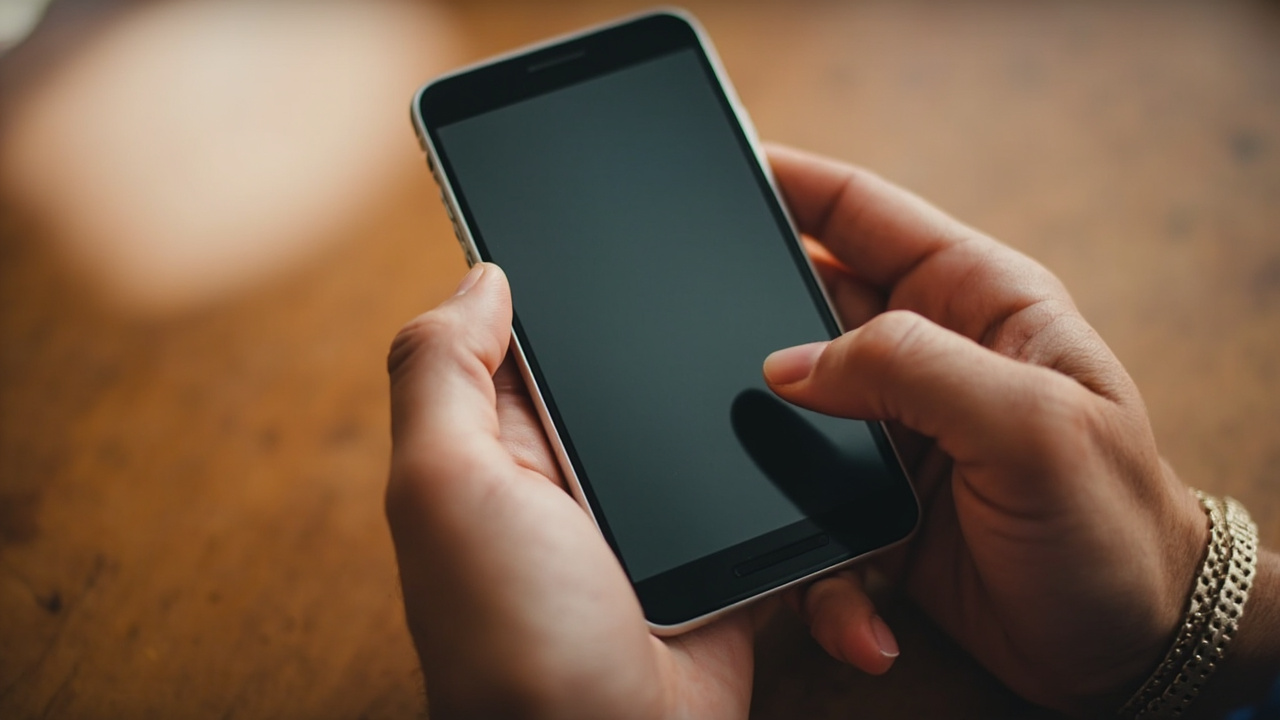
Swipe typing is the fastest way to type on a phone. Keep your finger down, trace letters, let prediction do the rest. But there's always been one constraint: one thumb, one word. A new app called Kinetica throws that limitation out the window.
Kinetica is a free, open-source keyboard that assigns independent tracking to each thumb. Each thumb gets its own cursor, so a single word can travel back and forth between them in any order. It's currently available through GitHub and the F-Droid app store.
How swipe typing normally works
Most Android keyboards include gesture typing. You keep your finger down, trace the path through letters, and the software predicts the word from the shape of your swipe. This beats hunting and pecking each key individually because your finger never leaves the screen and the prediction engine tolerates imprecise paths.
The catch: swipe input is single-touch. Try to draw two separate paths to build one word and the keyboard ignores the second gesture entirely.
What Kinetica does differently
Kinetica assigns independent tracking to each thumb. When you swipe with your left thumb starting at a letter on the left side of the keyboard and finish with your right thumb on the right side, the app merges those two paths into a single word prediction.
On a big phone, this matters. Reaching the leftmost keys with your right thumb means stretching your hand across the display. Kinetica lets you start words with whichever thumb is closer to the first letter and switch mid-word without breaking the gesture.
The app supports QWERTY, AZERTY, and other layouts. You can tweak the keyboard height, swap themes, adjust haptics, and change the color of the swipe trail—rainbow is the default.
Why it matters
Swipe typing purists will appreciate what Kinetica is attempting. The dual-cursor approach is novel and genuinely solves an ergonomic problem that phone manufacturers have largely ignored while making screens bigger every year.
The tradeoff is a learning curve. Building words with two thumbs requires thinking about which thumb starts where, and that disrupts the flow that makes single-thumb swipe typing feel effortless. Whether this becomes muscle memory depends on how much time you invest.
Privacy-conscious users get a bonus: Kinetica requires no network permission. All prediction happens on-device, so nothing you type leaves your phone.
Who should care
| Scenario | Verdict |
|---|---|
| Large phone (6.5"+ screen) with average hands | ★★★★ Strong fit — reach problem solved |
| Compact phone or small hands | ★★ Limited benefit — one thumb reaches most keys |
| Privacy-focused user | ★★★★ No network access, fully offline |
| Gboard swipe veteran | ★★★ Worth trying, but habits die hard |
| Developer or open-source enthusiast | ★★★★ Source available for inspection/modification |
If you spend significant time typing on a tablet-sized phone, the reach problem is real. This is where Kinetica earns its place.
Bottom line
Kinetica is worth trying if you're already comfortable with swipe typing and own a phone that strains your thumbs. It's free, it's open-source, and it tackles a genuine limitation that most keyboard developers ignored. The learning curve is the main hurdle.
Key takeaways
- Kinetica supports dual-thumb swipe typing with independent cursors per thumb
- It solves reach problems on large Android phones by letting you switch thumbs mid-word
- The app is free and available through GitHub and F-Droid
- All prediction happens on-device — no network permissions required
- Customization options include themes, haptics, layout, and swipe trail color
Frequently asked questions
Is Kinetica free to use?
Yes, it is free and open-source, available through GitHub and F-Droid.
Does Kinetica work on iOS?
No, it is currently available only for Android.
Can I use Kinetica with only one thumb?
Yes, it works like a normal single-thumb swipe keyboard if you prefer.
Does Kinetica send my typing data anywhere?
No. The app requires no network permission — all decoding and word prediction happens on your device.
Where can I download Kinetica?
From the project's GitHub page or the F-Droid app store for Android.