Subscriptions add up fast. Dropbox, Evernote, Feedly, 1Password, Plex, Home Assistant remote access, and AdGuard together can run several hundred dollars per year. A single Raspberry Pi 3B+ costs about $45, and with a USB drive and free software, you can replicate most of those functions on your own hardware. The setup takes an afternoon. The savings compound year after year.
The Approach
Don't expect feature-for-feature clones of every paid service. Self-hosting trades polished interfaces, off-site infrastructure, and vendor maintenance for control and lower costs. The functions overlap enough to be genuinely useful, but you'll notice differences from commercial products.
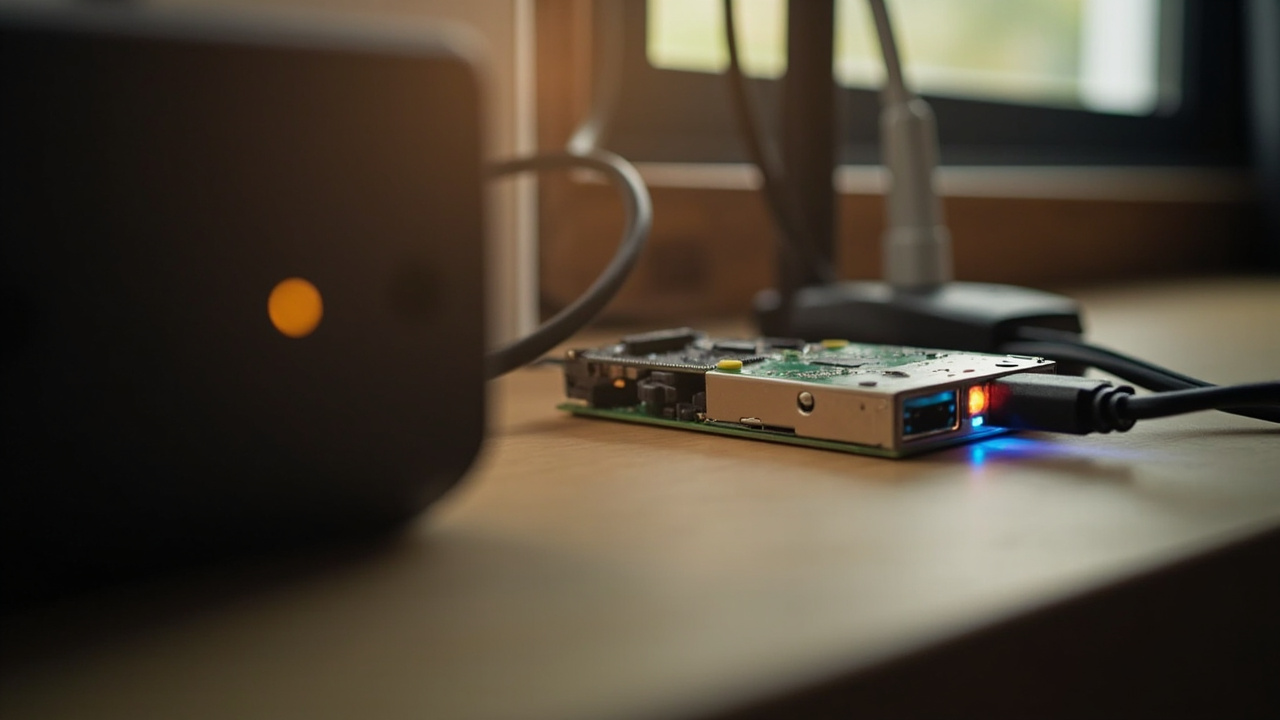
The board used in testing: a Raspberry Pi 3B+, released in 2018. It has a 1.4GHz quad-core processor, 1GB of RAM, and four USB 2.0 ports. Modest specs, but sufficient for lightweight services if you choose software carefully.
At a glance
- A single Pi can replace multiple paid services
- Syncthing replaces file sync from Dropbox
- Memos handles self-hosted note-taking
- Jellyfin streams media without Plex subscription
- Pi-hole blocks ads network-wide
Replacing the Services
For file synchronization, Syncthing handles the core job. It syncs files encrypted between your devices without uploading to any provider's cloud. The trade-off is a less polished sharing experience than Dropbox offers.
Memos replaces Evernote's note-capture functionality. It's lightweight, Markdown-centric, and focused on search and tags. It won't match every Evernote feature, but the core experience works.
Feedly Pro at roughly $72 per year collects RSS and Atom feeds. FreshRSS does the same for free, providing search, saved queries, and mobile client APIs.
Vaultwarden serves as a private password server. It's a Bitwarden-compatible implementation that runs on modest hardware. Treat it carefully: use HTTPS through a reverse proxy, enable two-factor authentication, and maintain routine encrypted backups.
Pi-hole replaces network-wide ad filtering. Point your router's DNS at the Pi, and it blocks advertising and tracking domains for every device in your home without per-device software.
A Practical Example
Say you're currently paying for Dropbox Plus at $9.99 per month, Evernote Starter at $99 per year, and Feedly Pro at $72 per year. That's a significant portion of a subscription budget. Your Pi costs around $45 once. Your power usage adds a small amount annually. Once the hardware is paid for, you're keeping that money instead of sending it to service providers every year.
Our analysis
The math is straightforward. Several hundred dollars in annual subscriptions versus a one-time hardware purchase and your own electricity. Over time, the savings accumulate substantially.
The reality requires ongoing attention. Self-hosted services need updates. When something breaks, you troubleshoot it. Commercial services handle maintenance for you.
For users who value control over convenience, this trade makes sense. For those who want things to work without any ongoing effort, subscriptions may still be worth the cost.
Bottom line
Self-hosting on a Pi isn't for everyone. But for readers comfortable with initial setup and occasional maintenance, it delivers real savings and genuine ownership of your data.
Frequently asked questions
Can a Pi 3B+ handle multiple services simultaneously?
With only 1GB of RAM, running several services at once is challenging. Choose services based on your actual needs and disable what you're not using.
What about video streaming performance?
For a single stream, it works. Multiple simultaneous streams may struggle. Jellyfin can handle basic transcoding on modest hardware but can falter with high-resolution content.
Do I need technical skills to set this up?
Basic comfort with the command line and following setup guides helps. Docker Compose makes services repeatable, but restraint matters on limited hardware.
How do I handle backups for self-hosted services?
Self-hosting doesn't mean self-backup. Keep copies of important data on a second drive or alternative storage location.