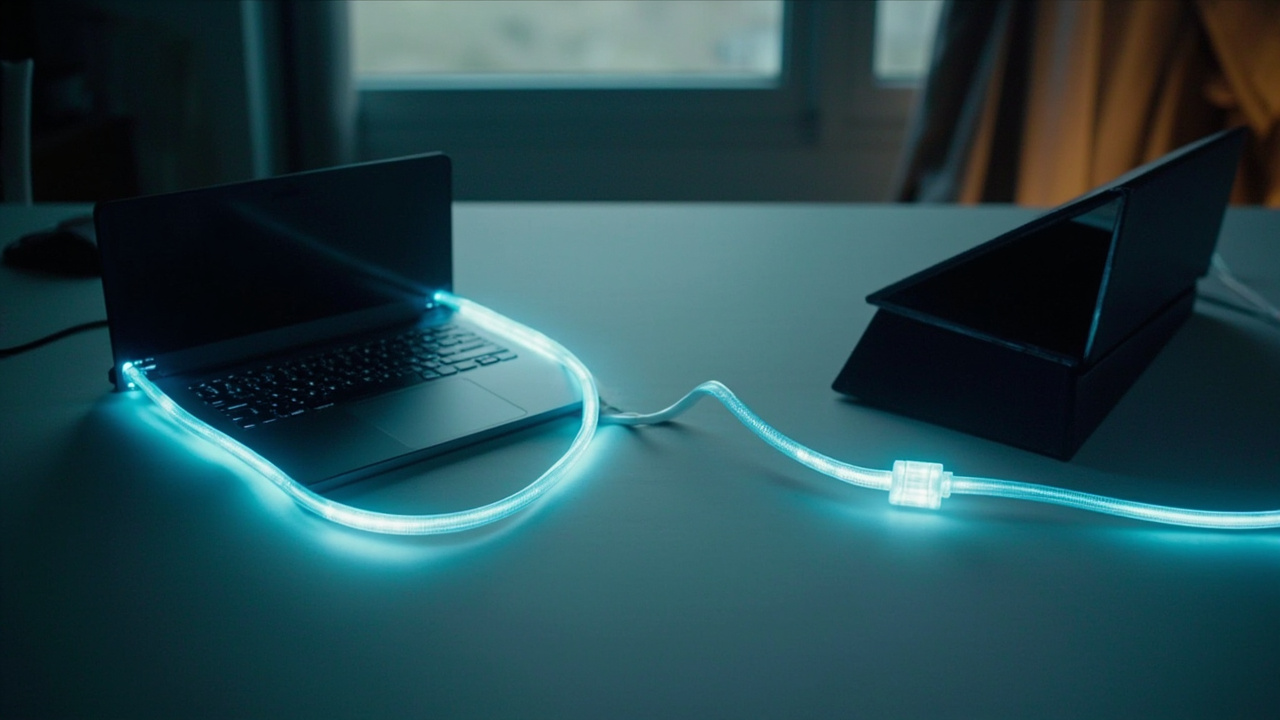
Working across multiple computers is common. What isn't common is finding a clean way to share a single USB device between them without physically moving cables. A USB switch solves this with hardware, but there's also a software alternative that works over your local network. VirtualHere lets you treat a USB device plugged into one machine as if it were connected to another.
How It Works
VirtualHere creates what amounts to a virtual USB cable. You install a server application on the computer where your device is physically connected. On the second machine, you install a client. The two communicate over your network, and the device appears as though it's locally attached.
The setup involves no complex configuration. The server runs as a portable executable, as does the client. Neither requires a traditional installation process.
Getting Started
On the primary PC—the one with your USB device connected—download the VirtualHere USB Server for Windows and run it. Allow it through your firewall when prompted. It listens on port 7575 by default.
On the secondary PC, download and run the VirtualHere USB Client. If both machines are on the same network, the client discovers the server automatically and displays any connected USB devices.
Select the device you want to use, right-click, and choose "Use this device." The device becomes available on the secondary PC as if you'd plugged it in directly. When you're done, right-click again and select "Stop using this device" to return it to the primary machine.
What happened
- Software-only USB sharing over local network
- Server runs on the machine with the physical device
- Client runs on the machine accessing remotely
- No installation required; both apps are portable executables
- Works with one device free; paid version for multiple devices
Our analysis
For anyone running a dual-PC setup—a main workstation and a secondary machine for specific tasks—this fills a genuine gap. Audio engineers who need one interface for mixing on two computers, developers who share specific hardware between machines, and anyone who hates crawling under a desk to swap cables will find this immediately useful.
The free tier limits you to one device, which covers many scenarios. Power users with multiple shared devices will need the paid version, but the pricing is reasonable for the utility provided.
A practical example
Say you're a voice actor with a home studio. Your primary PC runs your DAW and recording software. Your secondary PC handles video editing. You have one high-quality microphone with a USB interface. Instead of buying a USB switch or additional interface, VirtualHere lets you access your mic from whichever machine needs it. When you're done recording, you release the device and your editing machine can use it for voiceovers if needed.
Bottom line
VirtualHere solves a specific problem elegantly. If you need to share USB devices between computers, this is worth trying before investing in hardware switches.
Frequently asked questions
Does VirtualHere work on Mac or Linux?
Yes. Server and client software is available for Windows, macOS, and Linux, including Raspberry Pi.
Is the connection secure?
Traffic is sent over your local network. For sensitive devices, consider using it on a private network rather than a shared one.
Can I share devices over the internet?
The software is designed for local network use. Remote sharing is possible but requires additional network configuration like port forwarding.
What devices work with VirtualHere?
Most USB devices work, though performance depends on the bandwidth requirements of the specific hardware. Webcams, microphones, and storage devices all function.