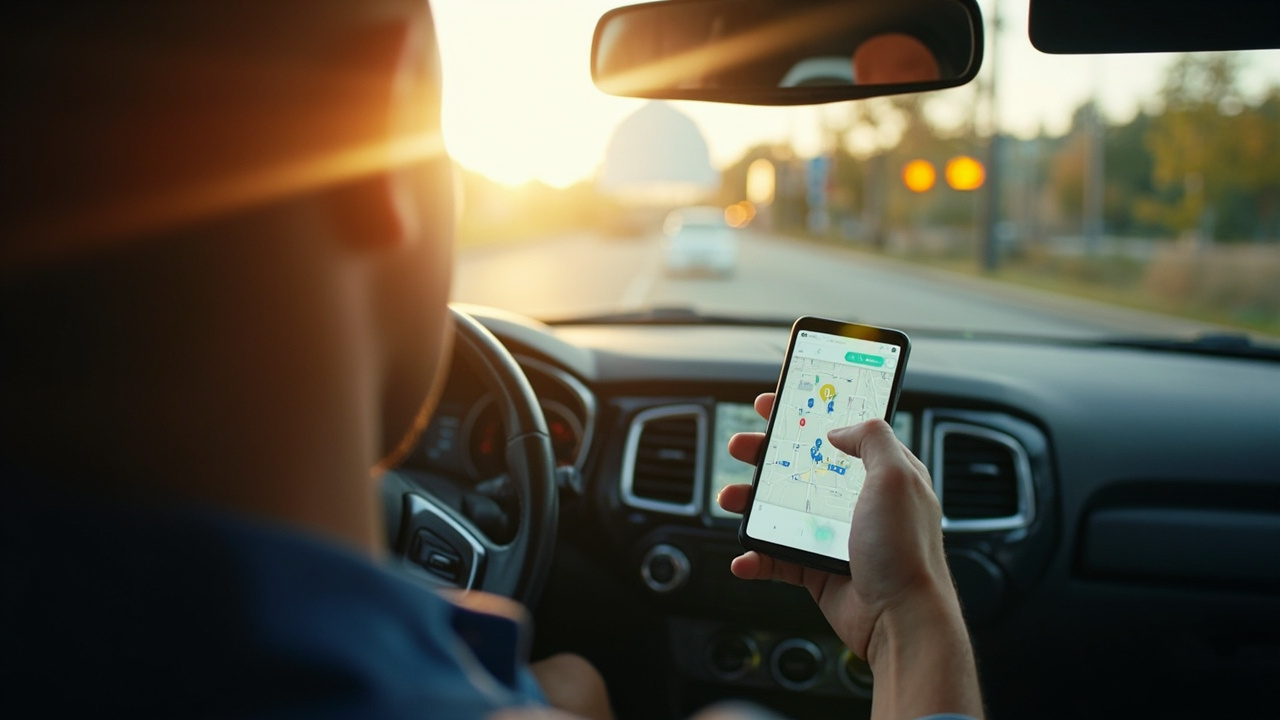
Most people treat Android Auto as a glorified music and maps screen. Google Maps for directions, Spotify for the drive, maybe WhatsApp if someone is texting. That works, but it leaves a lot of screen real estate unused. There are Android Auto apps that handle tasks you would not expect on a car display—tracking fuel costs, booking parking, even starting the laundry. Here are four worth installing if you want your dashboard to pull more weight.
SpotHero: Parking Without the Circling
Anyone who has driven around a downtown block multiple times looking for a spot knows the frustration. SpotHero aims to fix that by letting you book a parking spot ahead of time. You can find garages and lots near your destination and reserve a space before you leave.
Once you have a reservation, Android Auto pulls up the details so you can navigate to the garage right from the car screen. You still need to book and pay through the SpotHero app or website first, but having directions and reservation info on the dashboard is a real convenience. Just note that SpotHero mainly serves drivers in the US and Canada.
Fuelio: A Fuel Log That Lives in Your Car
Fuel costs are the kind of expense that drifts up on you. You fill up, you forget, and a year later you have no idea what you spent. Fuelio solves that by letting you log each fill-up and track mileage over time. On Android Auto, you can check nearby fuel prices and review past fill-ups without picking up your phone.
You still want to enter new fill-ups while parked, but having trip logs and price comparisons on the car display is handy. If you drive a lot for errands or school runs, the data adds up fast.
Pocket Casts: Podcasts Without the Fumbling
Podcasts are perfect for driving, but choosing an episode on a phone while stopped at a red light is a bad idea. Pocket Casts on Android Auto lets you browse your queue, pick an episode, and control playback from the car screen. It sounds small until you try it and never go back.
Having both music and podcasts available matters on long drives. If your playlist feels stale, switching to a podcast beats skipping tracks for ten minutes. You do not have to choose between audio types for every trip.
SmartThings: A Dash of Home Control
This one surprises people. SmartThings on Android Auto lets you pick up to six compatible devices and control them from the car screen—lights, robot vacuums, laundry machines. The point is kicking off a few chores on the drive home so they are done by the time you walk in the door.
It is not going to replace your phone controls, but for simple on-off tasks, it saves the hassle of digging out the SmartThings app while you are driving.
Which App Suits Your Drive?
| Use Case | Best Fit | What You Get |
|---|---|---|
| Commuters stuck in traffic | Pocket Casts | Longer listening without phone fiddling |
| City drivers with unpredictable routes | SpotHero | Reservation details and navigation in one place |
| High-mileage drivers | Fuelio | Trip logs and fuel price comparisons on display |
| Anyone with smart home devices | SmartThings | Laundry, lights, vacuum started before arrival |
Our Analysis
These four apps share a common thread: they push Android Auto past entertainment into everyday utility. Parking, fuel tracking, podcasts, and home automation are all things you would normally do on your phone. Having them on the car screen removes a small amount of friction from routine tasks.
The trade-off is screen real estate. A car display is not a phone, and apps that try to cram too much in become distracting. The best Android Auto apps, and these four qualify, treat the dashboard as a quick-access layer rather than a full interface. The moment an app on your car screen starts requiring multiple taps or extended attention, it has crossed the line from helpful to hazardous.
Who benefits most? Commuters who sit in traffic and want something to listen to beyond music. City drivers who regularly hunt for parking. Anyone who logs significant mileage and wants to understand their spending. And increasingly, households with smart home setups that want to automate small tasks before arrival.
What to watch: parking and smart home categories are gaining momentum on the platform. Google has been opening Android Auto gradually, with a clear preference for glanceable, low-distraction use cases. More apps in these areas are likely coming.
Key takeaways
- SpotHero, Fuelio, Pocket Casts, and SmartThings add real utility beyond music and maps.
- Each app needs initial setup on your phone; Android Auto serves as the access layer.
- SpotHero is mainly available in the US and Canada.
- The best Android Auto apps keep the interface simple and treat the dashboard as a quick-access tool.
Frequently asked questions
Do these apps replace my phone while I drive?
No. Android Auto is meant as a quick-access layer. You still set up reservations, log fill-ups, and configure devices on your phone first.
Is SpotHero available outside the US?
SpotHero mainly serves drivers in the US and Canada, so coverage elsewhere is limited.
Can I log a fuel fill-up from the car screen in Fuelio?
You can review past logs and check fuel prices on the car screen, but entering new fill-ups while parked is recommended for safety.
Does SmartThings on Android Auto control every smart home device?
No. You can pick up to six compatible devices to access from the car screen, which is enough for simple tasks like turning on lights or starting a robot vacuum.
Do I need a special car to run these Android Auto apps?
You need a vehicle or head unit that supports Android Auto and a phone with the Android Auto app installed. The apps themselves are standard Google Play downloads.